
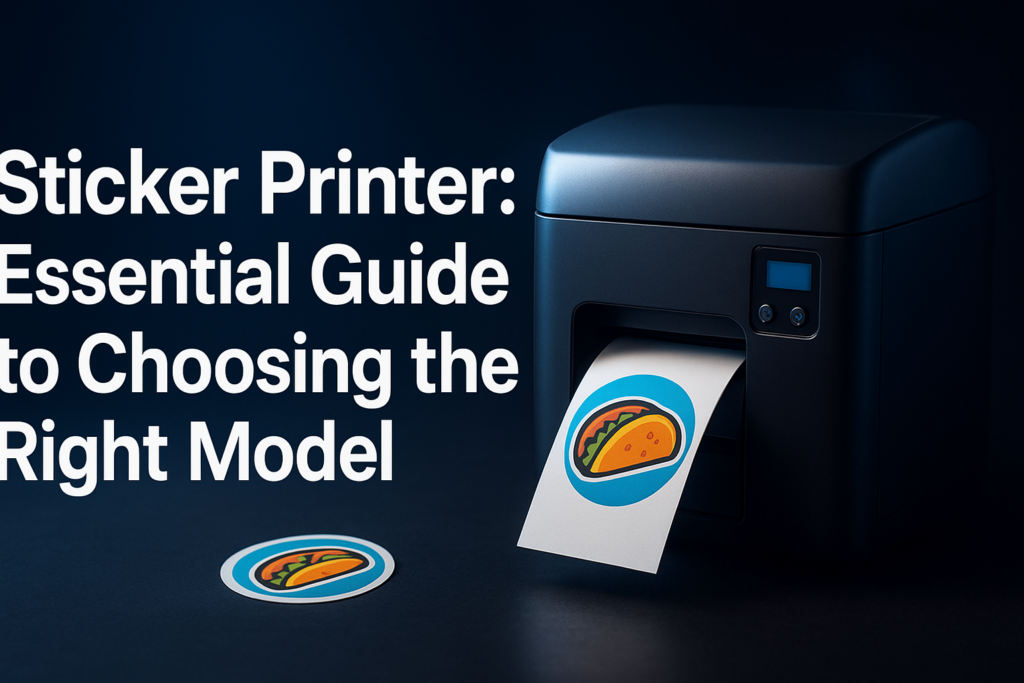

What Is a Sticker Printer?
A sticker printer is a specialized printing device designed to produce adhesive-backed labels, decals, and stickers on various materials. Unlike general-purpose printers, sticker printers prioritize print durability, vibrant colors, and precision cutting, allowing users to create custom stickers for personal, commercial, or industrial use.
They cater to a wide range of needs — from printing custom labels for products to crafting personalized decals for marketing. Understanding how sticker printers differ from regular printers can help you make an informed purchase.
Types of Sticker Printers
Sticker printers come in several forms depending on their technology, print method, and usage scope:
- Inkjet Sticker Printers: Utilize inkjet technology to produce vibrant, high-resolution stickers. These are popular for color-intensive designs and photo-quality prints.
- Thermal Sticker Printers: Use heat to transfer pigment onto sticker material. They are highly durable and often used for barcode labels or shipping tags.
- Laser Sticker Printers: Employ laser technology for sharp, fast printing. Ideal for text-based stickers or monochrome labels.
- Die-Cut Sticker Printers: Combine printing with cutting technologies to produce stickers that follow unique shapes and contours without manual trimming.
- Direct-to-Label Printers: Print directly onto label stock, often used in commercial product labeling.
Choosing between these depends largely on what type of stickers you want to make and what volume you anticipate.
Key Features to Consider When Buying a Sticker Printer
Choosing the right sticker printer hinges on understanding which features matter most for your printing objectives. Here are essentials to evaluate:
- Print Resolution: Look for higher DPI (dots per inch) for detailed designs and sharp images. A minimum of 300 DPI is recommended for quality stickers.
- Print Speed: Higher speeds benefit businesses printing in volume, but slower speeds often deliver better quality.
- Print Size and Media Width: Make sure the printer supports the maximum width of stickers you want to print.
- Media Compatibility: Ability to print on various materials (vinyl, paper, polyester) adds versatility.
- Connectivity: USB, Wi-Fi, or Ethernet options affect convenience and integration with your workflow.
- Cutting Ability: Some printers include built-in cutting, which can save time on finishing processes.
- Durability and Waterproofing: Look for printers that support lamination or waterproof inks if your stickers need to withstand weather.
- Software Compatibility: Check that the printer works with popular design software for smoother operation.
Top Sticker Printers in the Market
| Printer Model | Printing Technology | Max Print Width | Key Features | Best For |
|---|---|---|---|---|
| Epson SureColor P700 | Inkjet | 13 inches | UltraChrome PRO10 ink, high-res prints, wide color gamut | Professional-quality sticker prints, photo-realistic designs |
| Brother QL-820NWB | Thermal | 2.4 inches | Wireless, fast printing, versatile label sizes | Business shipping and barcode labels |
| Roland VersaSTUDIO BN-20 | Inkjet with cutter | 20 inches | Integrated cutting, CMYK plus white inks | Custom die-cut decals and stickers |
| Mimaki CG-SRIII | Solvent Inkjet | 24 inches | Highly durable, outdoor resistant prints | Industrial and outdoor sticker prints |
For detailed reviews and buying guides, visit TheBestPrinter.net for expert insights.
How to Use a Sticker Printer Effectively
Maximize your sticker printer by following these practical tips:
- Prepare Your Design Thoughtfully: Use vector-based design software like Adobe Illustrator or CorelDRAW for crisp outlines and scalable graphics.
- Select the Right Material: Choose vinyl for waterproof stickers, or paper for indoor use to ensure durability matches your needs.
- Calibrate Your Printer: Regular calibration maintains color accuracy and reduces misprints.
- Test Print: Run small batch prints to check color density and alignment before full runs.
- Lamination: Use laminates for extra protection against scratches and UV exposure.
- Keep Supplies Ready: Maintain an inventory of sticker stock and replacement ink/toner to avoid downtime.
Common Sticker Printing Applications
Stickers serve a variety of purposes across industries and personal uses:
- Product Labeling: Branding, nutritional info, and barcodes on packaging.
- Marketing & Promotion: Custom decals for events, giveaways, and brand awareness.
- Industrial Use: Warning labels, asset tags, and inventory control stickers.
- Personalization: Custom laptop decals, car stickers, or journaling embellishments.
- Arts & Crafts: Decorative and DIY sticker projects using printable sticker sheets.
FAQ About Sticker Printers
- What kind of stickers can I print with a sticker printer?
- Most sticker printers can produce labels, decals, and custom designs on vinyl, paper, or polyester materials depending on the printer’s media compatibility.
- Are sticker printers expensive?
- Prices vary widely: small desktop thermal printers start around $100, while professional inkjet or wide-format printers with cutting systems can cost several thousand dollars.
- Can I use regular ink cartridges in a sticker printer?
- Ink compatibility depends on your printer’s model. Specialized printers often require manufacturer-approved inks for durability and quality.
- How long do printed stickers last?
- Sticker lifespan depends on materials used and exposure. With lamination or UV-resistant inks, some stickers can last years outdoors without fading.
- Is a cutter necessary for sticker printing?
- Cutters help produce custom-shaped stickers quickly and cleanly. While optional, integrated cutters improve efficiency for shapes beyond simple rectangles.
To explore suitable printers and learn more about optimal setups, you can check detailed product reviews and tutorials at TheBestPrinter.net.
Key Takeaways for Choosing Your Sticker Printer
Finding the perfect sticker printer hinges on matching your printing volume, quality demands, and material preferences with a printer’s technical features. High-resolution inkjet models excel for vivid, complex graphics, while thermal printers provide durability and speed for labels and barcodes. Integrated cutting technology, connectivity, and media versatility further enhance workflow efficiency. By investing in the right device and applying best practices, you unlock endless creative and commercial possibilities for sticker production.

Leave a Reply