
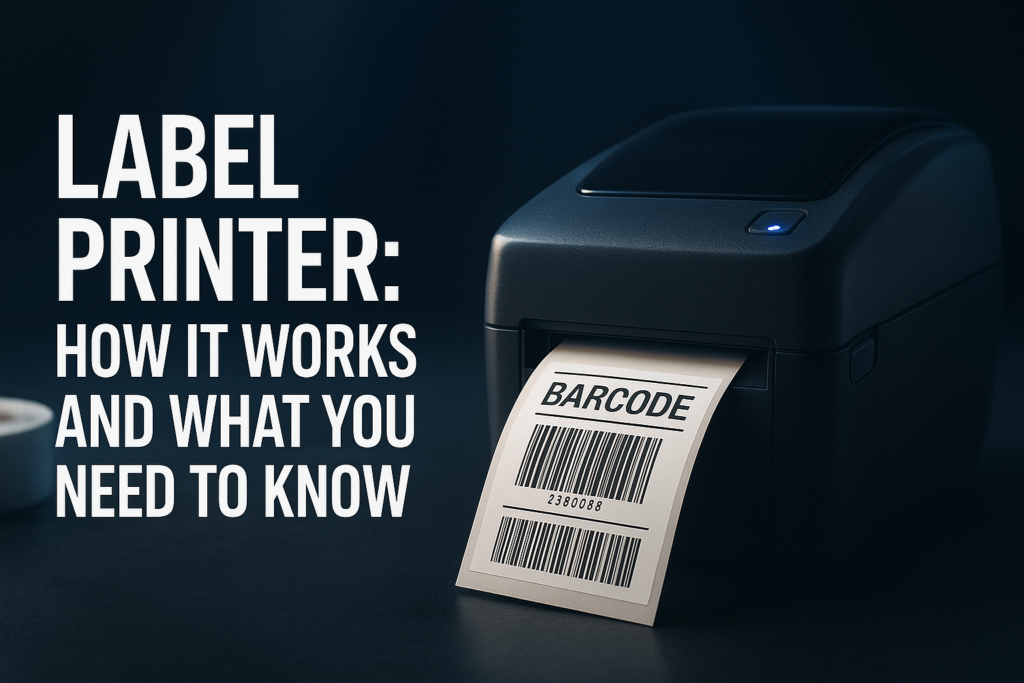

If you’re looking to streamline organization, improve packaging, or manage inventory efficiently, a label printer is an indispensable tool. This device specializes in producing clear, durable labels tailored for a variety of environments—whether retail shelves, office file systems, or shipping packages. But with so many options available, picking the right label printer without a clear comparison can quickly become overwhelming.
This article dives deep into the different types of label printers, pricing considerations, and features that can help you decide which model offers the best value and meets your specific demands.
What Is a Label Printer?
A label printer is a specialized printing device designed to produce self-adhesive labels on various materials like paper, polyester, or vinyl. Unlike conventional printers, label printers focus on speed, precision, and durability, printing labels that can withstand handling, moisture, and environmental factors.
Common applications include:
- Barcodes and price tags in retail
- Shipping labels for logistics
- File or asset tagging in offices
- Product labels for manufacturing
Label printers use different printing technologies like thermal transfer, direct thermal, or inkjet to suit varying use cases.
Types of Label Printers
1. Thermal Transfer Label Printers
Utilize heat to transfer ink from a ribbon onto the label. These printers are ideal for producing labels that need longevity and resistance to heat, chemicals, or abrasion, such as asset tags and outdoor warnings.
2. Direct Thermal Label Printers
Print by applying heat directly to specially coated label stock without ribbons. They are generally cost-effective for short-term applications like shipping labels where durability is less of a concern.
3. Inkjet Label Printers
Use liquid ink sprayed onto labels, offering full-color printing that’s useful for high-resolution graphics or brand-oriented labels.
4. Laser Label Printers
Less common but provide fast printing speeds and excellent text quality, particularly in office environments.
Key Features to Consider When Buying a Label Printer
- Print Resolution: Determines clarity and detail. For barcode or text labels, 203 dpi is typical, but 300 dpi or higher is preferred for fine graphics.
- Print Speed: Measured in inches per second (ips), critical if printing large batches.
- Connectivity: USB is standard; wireless options like Wi-Fi or Bluetooth add flexibility.
- Media Compatibility: Check if the printer supports the label sizes and materials you need.
- Software Support: Integration with label design software can vastly improve usability.
- Durability: Consider if the printer needs to survive warehouse or retail environments.
- Operating Cost: Factor in the price of consumables such as ribbons and label rolls.
Price Comparison: Popular Label Printers
| Model | Type | Print Resolution | Speed (ips) | Connectivity | Price Range | Best For |
|---|---|---|---|---|---|---|
| Dymo LabelWriter 450 | Direct Thermal | 300 dpi | 51 | USB | $100 – $150 | Office and small business shipping labels |
| Zebra GK420t | Thermal Transfer | 203 dpi | 5 | USB, Serial, Ethernet | $350 – $450 | Warehouse, asset tracking, retail |
| Brother QL-820NWB | Direct Thermal | 300 dpi | 110 | USB, Wi-Fi, Bluetooth | $200 – $250 | Shipping and color-coded labelling |
| HiTi Pringo P231 | Inkjet (Photo Quality) | 300 dpi | Varies | Bluetooth | $150 – $200 | Color labels, photo printing |
These price ranges reflect the growing diversity of label printers on the market. Often, investing a little more upfront in a printer with ribbon or enhanced connectivity options leads to long-term savings and productivity gains.
How to Choose the Right Label Printer For Your Use Case
Start by identifying the primary purpose and workflow:
- High-volume shipping: Prioritize speed and robust connectivity, like the Brother QL-820NWB.
- Durable industrial labels: Thermal transfer printers like Zebra GK420t are suited to harsh conditions.
- Simple office labeling: Compact models such as the Dymo LabelWriter 450 balance cost and convenience.
- Color and graphic-intensive labels: Consider inkjet printers capable of rich, colorful output.
Next, estimate the volume of labels per day or week, media sizes your business requires, and any integration needs with existing software or hardware systems.
You can find additional reviews, comparisons, and buying guides on TheBestPrinter.net, which offers detailed insights on top-performing label printers along with practical recommendations tailored to various industries.
Frequently Asked Questions
What is the difference between direct thermal and thermal transfer label printers?
Direct thermal printers apply heat directly to the label material, which darkens to form an image. Thermal transfer printers use a ribbon with ink that melts onto the label material, creating more durable and longer-lasting labels.
Are label printers expensive to maintain?
Maintenance typically involves replacing labels and ribbons (for thermal transfer). Thermal printers generally have lower consumable costs compared to inkjet models, which can require more frequent ink cartridge replacement.
Can I print full-color labels with a label printer?
Full-color printing is mainly possible with inkjet label printers. Thermal printers typically offer monochrome output but excel in durability and cost-efficiency.
What label sizes can label printers handle?
Label printers support a wide range of sizes. Standard label widths typically range from 1 inch to 4 inches, but check the manufacturer’s specs to ensure your desired sizes are supported.
Do label printers work with Mac and Windows?
Most modern label printers provide drivers for both Windows and macOS. Additionally, some offer support for mobile devices via Wi-Fi or Bluetooth.
Final Thoughts
Choosing the right label printer hinges on understanding your specific labeling requirements—durability, volume, color, speed, and budget. Weighing these factors alongside a clear pricing comparison will prevent overspending and avoid the pitfalls of insufficient functionality.
Explore trusted buyer guides and comprehensive reviews at TheBestPrinter.net to sharpen your decision-making process further.
Equipped with the right label printer, your workflow will gain precision, speed, and neatness—making your operations more seamless and professional.

Leave a Reply